
Every key, a satisfying tec.
TecTec lives in your menu bar and plays a real mechanical switch on every key you press. 13 real recordings, with spatial sound that follows the key's position.
Psst: press any key.

Type. Listen. Pick yours.
This is the app's real sound. Press any key, or tap the keyboard below, and switch switches to compare. With headphones on, notice how Q sounds on the left and the right-hand keys on the right.
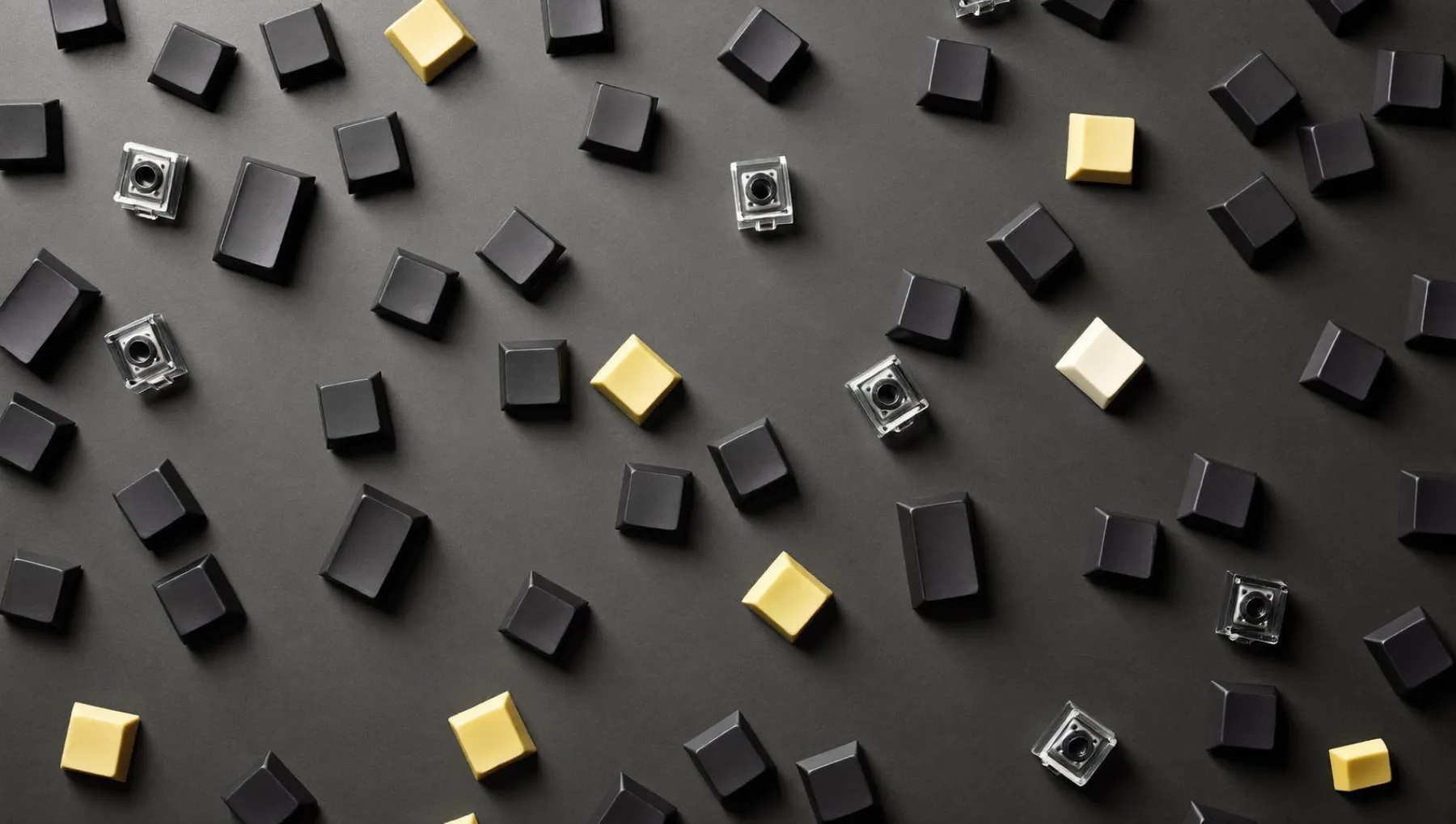
13 switches. Each with its own voice.
Real recordings of every switch, pressing and releasing, with a sound for each keyboard row. Click to listen.
Small on the outside, crafted on the inside.
A native, light, quiet app that does one thing and does it well.
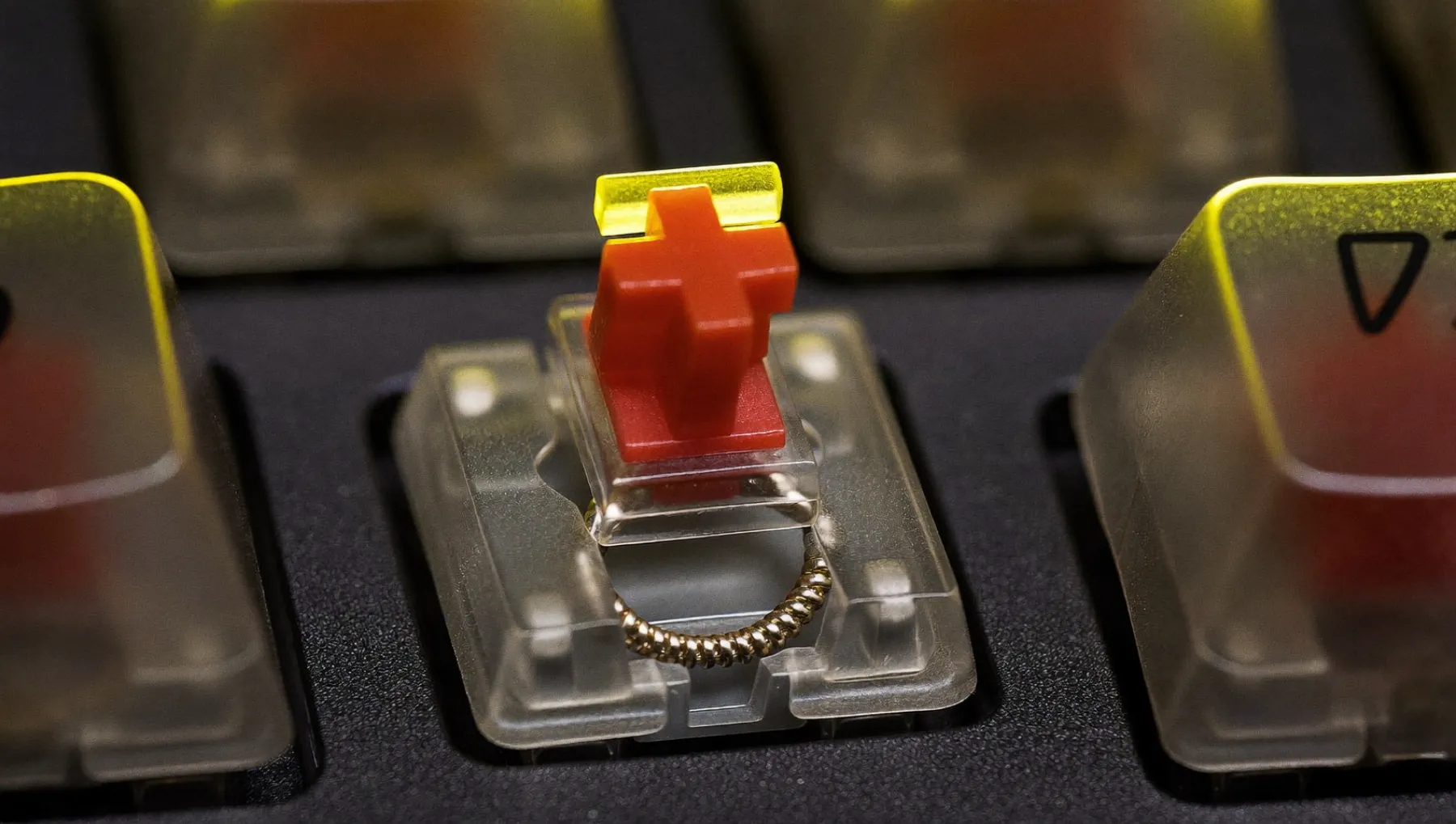
Real recordings, not synthesis
Every switch was recorded pressing and releasing, with its own sound for each row, Space, Enter and Backspace.
Sound with a position
The sound comes from where the key is: Q on the left, Enter on the right. Made for the Brazilian ABNT2 layout, too.
Lives in the menu bar
Native Swift, light and instant. No window, no Dock icon.
Listens, never keeps
It hears keys to play a sound and nothing else. Nothing is recorded or sent, and password fields never reach it.
Updates itself
Signed and notarized by Apple. When a new version ships, TecTec tells you and installs it.
Never sounds repetitive
Every press varies the pitch a little, like a real keyboard. Release sounds can be turned off.
Bring your own sounds
Import Mechvibes packs or a folder of per-key WAVs and they show up in the menu.
Three steps and you're done.
Download and drag
Open the DMG and drag TecTec to Applications.
Grant permission
In System Settings › Privacy & Security › Input Monitoring, turn TecTec on.
Pick your switch
Click the Ç in the menu bar and choose. That's it: tec, tec, tec.
Open source, the way it should be.
All the code is on GitHub. Read it, build it, change it and send improvements.
- MIT licensed, free forever
- No account, no telemetry, no ads
- Sounds from the kbsim project and updates via Sparkle, both MIT
- Contributions welcome: new switches, layouts and translations
$ git clone https://github.com/rafabittt/tectec
$ cd tectec
$ ./build.sh && open TecTec.app